


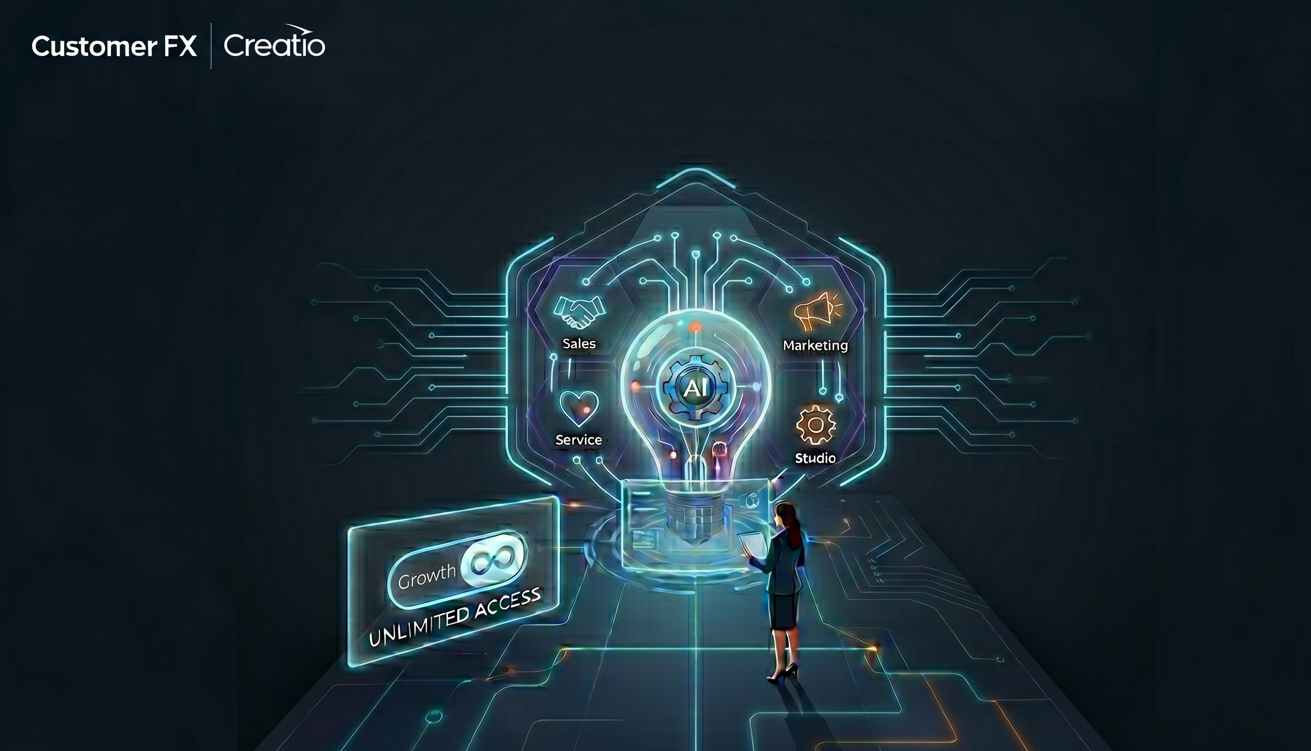
What customers need to know about AI costs in 2026
Creatio recently introduced a new Unlimited pricing model, which offers an option to shift away from traditional per-user licensing toward a platform-based approach designed for AI-native business automation.
At first glance, “Unlimited” sounds straightforward, but one important detail many organizations may overlook is that AI actions are not included in the base platform pricing.
In this article, we’ll break down:
- What Creatio Unlimited includes
- How AI Action pricing works
- The pros and potential drawbacks of the new model
- What current and prospective customers should consider before budgeting for Creatio in 2026
What Changed with Creatio’s New Unlimited Pricing?
According to Creatio’s official announcement, the new model includes:
- Unlimited users
- Unlimited applications
- Unlimited workflows
- Unlimited agents
- Unlimited API calls
Customer FX perspective: This represents a significant shift from traditional seat-based CRM pricing and aligns more closely with how modern AI-driven organizations scale automation.
Important Clarification – AI Usage Is Not Included
While Creatio positions the platform as AI-native, organizations should understand that AI execution is licensed separately through annual AI Action packages.
Creatio AI Action Package Pricing
| Package | Annual AI Actions | Annual Price | Best For |
|---|---|---|---|
| Start | 25,000 | $5,000 | Businesses beginning AI adoption |
| Grow | 125,000 | $25,000 | Teams with moderate AI usage |
| Accelerate | 500,000 | $75,000 | Enterprise-scale adoption |
| Scale | 1,000,000+ | $125,000 | Complex, high-volume workflows |
| Freedom | Custom | Custom | AI-first enterprise deployments |
Unlike token-based AI pricing models, Creatio uses “AI Actions” as its unit of consumption, which may simplify budgeting—but also introduces new planning considerations.
Potential Advantages of Creatio’s New Pricing Model
- Easier Platform Scalability: Organizations no longer need to forecast user growth.
- Better Alignment with AI Agents: AI agents don’t fit traditional user licensing.
- More Predictable Core Platform Costs: Infrastructure scaling becomes easier to model.
Potential Drawbacks or Questions to Consider
- “Unlimited” Does Not Mean Unlimited AI: AI actions remain separately metered.
- AI Usage Forecasting May Be Challenging: Many organizations won’t initially know how many actions they’ll consume.
- Budgeting Shifts from Users to Automation Volume: The conversation changes from: “How many users?” to “How many workflows, prompts, agents, and AI interactions?”
Customer FX Perspective
At Customer FX, we see Creatio’s new “Unlimited” pricing model as a positive step toward AI-first CRM deployment. However, organizations evaluating Creatio should carefully estimate AI usage, workflow complexity, and long-term automation goals before selecting an AI Action package.
If you’re evaluating Creatio licensing, AI adoption strategy, or migration from another CRM platform to Creatio, Customer FX can help you model real-world usage and avoid unexpected licensing surprises.
Frequently Asked Questions
Does Creatio Pricing include AI?
No. Creatio’s platform is AI-ready, but AI execution requires separate AI Action packages.
What is an AI Action in Creatio?
An AI Action represents a unit of AI execution within Creatio workflows, prompts, agents, or automation processes.
Is Creatio still licensed per user?
Creatio’s new Unlimited model removes traditional per-user licensing, however, per user licensing is still available as part of the Growth or Enterprise packages.
How much does Creatio AI cost?
AI packages currently start at $5,000 annually for 25,000 AI Actions.

