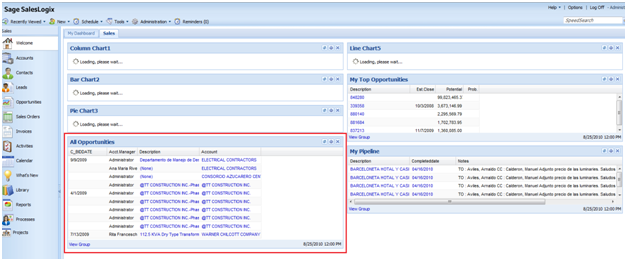
One of the new Common tasks available in the SP3 web client’s opportunity list view is “Promote to Dashboard”
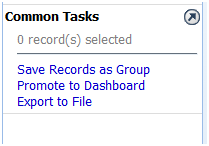
When you select this Task, the system will take the current group you are on and add it to a dashboard page. When you select the Task you are first prompted to define which dashboard page you want to see the group on:
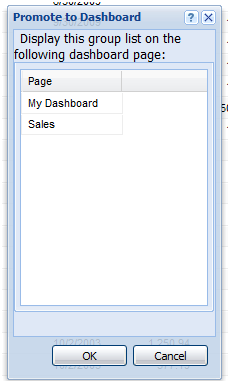
Note: Only your pages show up here. If you did not create the page you can not add a dashboard to it.
Once you select the page you want, you will see a message at the top of the list view stating the Group has been added to the Dashboard. Now when you navigate to the dashboard page you selected you will see the group as a list widget on the page: