back to top

SalesLogix Cloud Running on an iPad – Believe it!

I’m a sucker for the latest gadget and I have a drawer full of them to prove it. I really really tried to convince myself that the new Apple iPad was nothing more than a big iTouch and I already have one of those so I could just pass on it but… I caved and bought one anyway.  Now my quest was on to justify it and I think I have; it runs the SalesLogix Cloud Edition “almost” perfectly.  Just like the story of Goldilocks and the three bears, my laptop was too big and my iPhone was too small but the iPad is just right for a typical road worrier or anyone who does not want to be stuck to a desk.


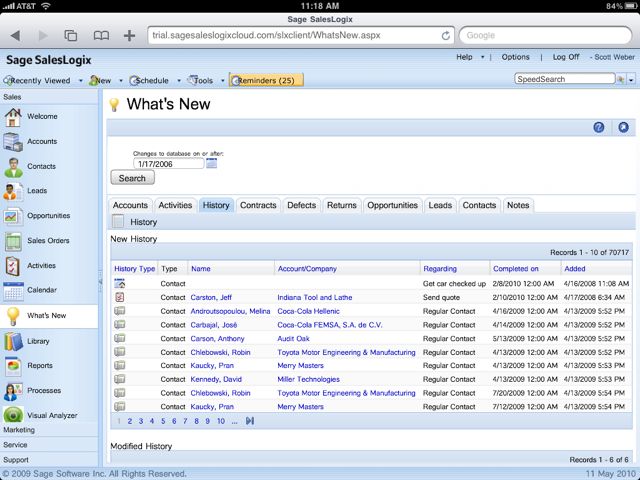
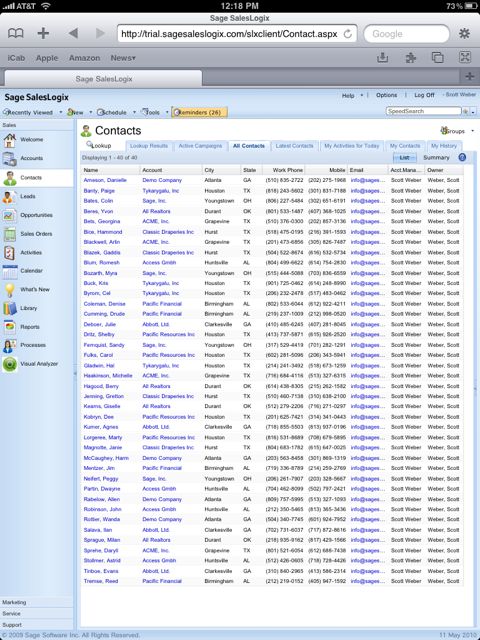
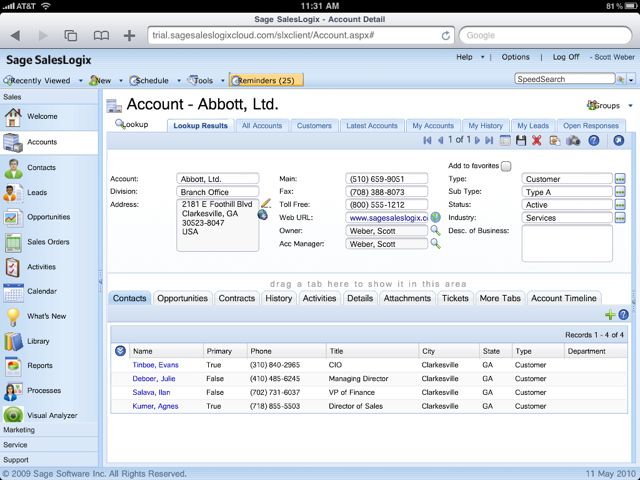
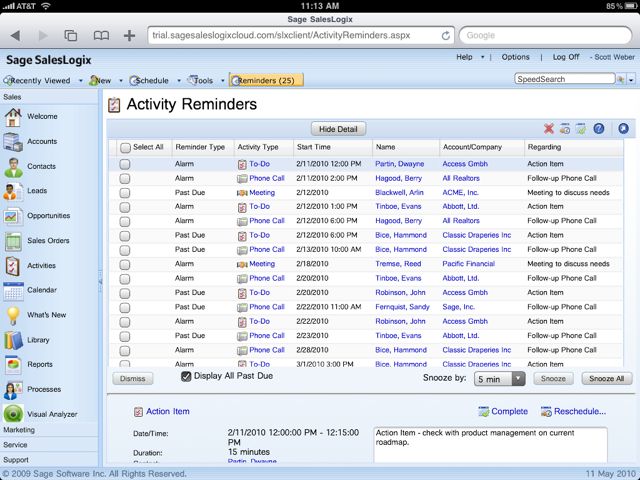
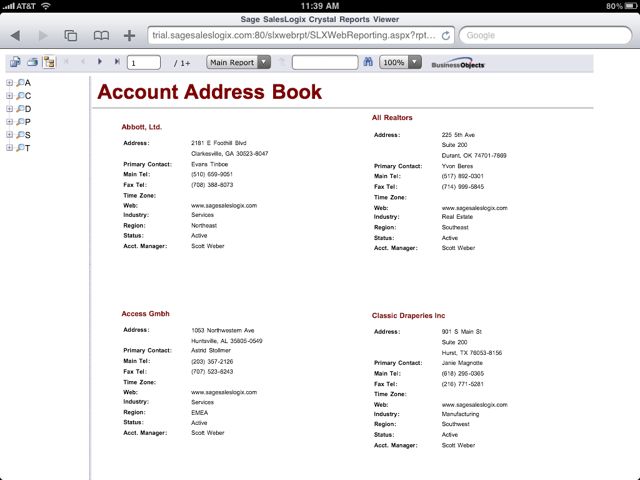
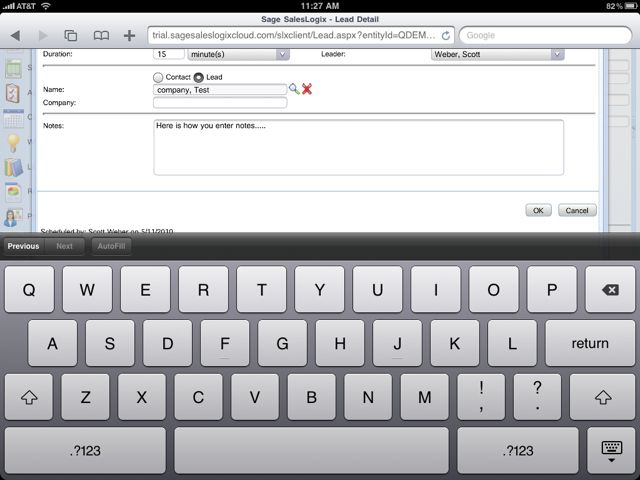
Below you will see a number of screen shots of the SalesLogix Cloud running on my iPad and as I stated above, it works well for the most part with a couple of exceptions that I hope Sage can address.  Any screen with scroll bars does not display the scroll bar itself so you are limited to only some of the records in a list view.  I was told by one of our developers that this is probably due to “extjs” which is some type of java script being used by the SalesLogix web client.


The performance is outstanding even using the 3G service from ATT and I could definitely see using this as my primary CRM device for most of the daily tasks that a typical user is looking for.


Contact Customer FX for your CRM project
We let our expertise speak for itself - let us know how our all-star team can help on your CRM project
About the Author
Scott Weber
Scott Weber
Scott Weber is CRM Practice Manager and Senior Consultant for Customer FX Corporation.

1 COMMENT

LEAVE A REPLY

Please enter your comment!
Please enter your name here

Infor CRM Sync for Exchange: Action Required by August 31, 2026

Using Infor CRM Sync for Exchange with Microsoft 365? Your Exchange administrator must update tenant settings by August 31, 2026 to prevent sync disruption.

[Webinar] What’s Coming Next for Infor CRM SLX and Why v10 Matters

See what’s coming next for Infor CRM SLX, including new marketing workflows, automation improvements, and reasons to consider upgrading to v10.

Disable Caching in Infor CRM SLX Web Client

In the rare case caching is causing issues in the Infor CRM SLX web client, it is possible to disable specific types of caching by making edits using Application Architect, and then deploying.

Exploring AI Options for Infor CRM v10

I've started taking a closer look at the AI capabilities built into Infor CRM v10. Over the next several posts, I'll share what I learn. From the built-in features and supported AI providers to implementation considerations, costs, and practical use cases.

Infor CRM SLX 10.0: Delegate Ownership Changes for “Everyone” Records

Learn how the new EveryoneOwnerAssignment secured action in Infor CRM SLX 10.0 allows designated users to change ownership of Everyone-owned records without requiring Administrator access.

Related Articles

Infor CRM Sync for Exchange: Action Required by August 31, 2026

Using Infor CRM Sync for Exchange with Microsoft 365? Your Exchange administrator must update tenant settings by August 31, 2026 to prevent sync disruption.

[Webinar] What’s Coming Next for Infor CRM SLX and Why v10 Matters

See what’s coming next for Infor CRM SLX, including new marketing workflows, automation improvements, and reasons to consider upgrading to v10.

Disable Caching in Infor CRM SLX Web Client

In the rare case caching is causing issues in the Infor CRM SLX web client, it is possible to disable specific types of caching by making edits using Application Architect, and then deploying.

Exploring AI Options for Infor CRM v10

I've started taking a closer look at the AI capabilities built into Infor CRM v10. Over the next several posts, I'll share what I learn. From the built-in features and supported AI providers to implementation considerations, costs, and practical use cases.

Related Videos