back to top

SalesLogix Label Reports

Keep it simple is the theme today, lots of screen shots, but it will provide you the ability to make a side by side comparison of each of the label reports.  There are quite a number reports in this category which I believe adds to the confusion of the Sage SalesLogix reporting area. As I prepared for this blog I decided there are really four main groups –  #10, A4Avery, 3 1/2 Diskettes, and Avery.  All reports except the diskettes use the condition filtering fields of AccountManagerID and ModifyDate.  The diskette reports do not use condition filtering by user or by date.


To make the comparison easier, I started each screen shot from the upper left corner of the report so you will get an idea of the difference in layout between each report.


I shrank down the #10 Envelope report because of space.  The only thing I thought of to improve this report was to build in the return address.


 The are not a lot of differences between each of the A4Avery reports, just minor things that you can observe for yourself.


L7159
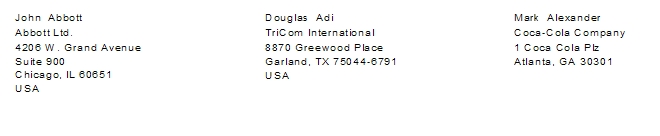


L7160
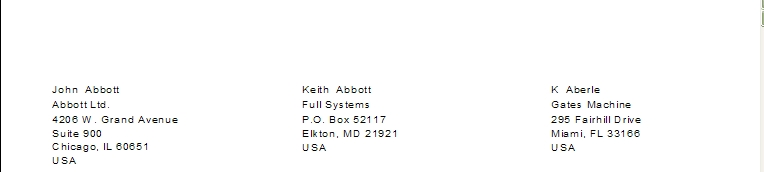


 L7162
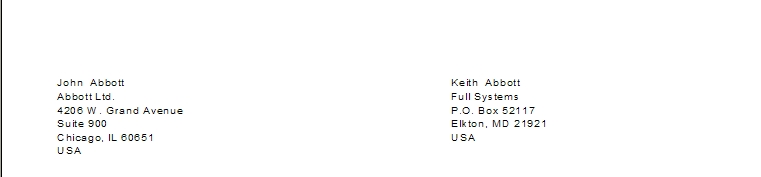


 L7163
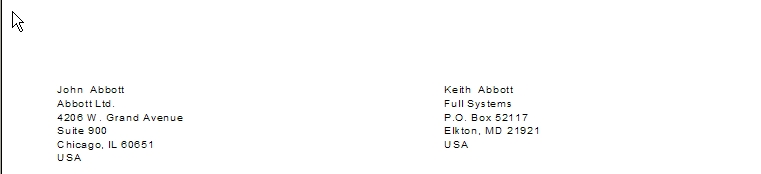


 L7164
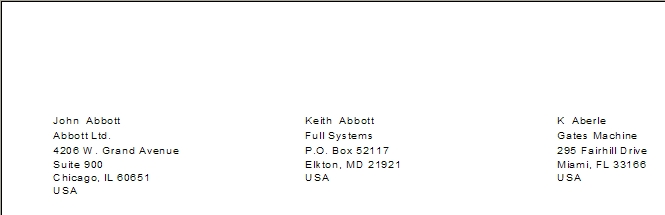


A4AveryL7664 -Parcel
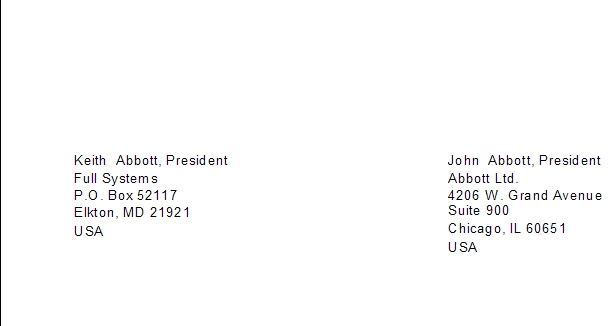


Diskettes are little out of date but they are part of the standard reports so I included them in this post.  One thing I really liked was the ability to add data to the report using the report parameters.      


You will see below how the information displays.  These reports use the User table but I thought a good suggestion might be to create the same report using the Contact table and design Name tapes for conferences or meetings.   


A4AveryL7664 – 3 1/2 Diskette
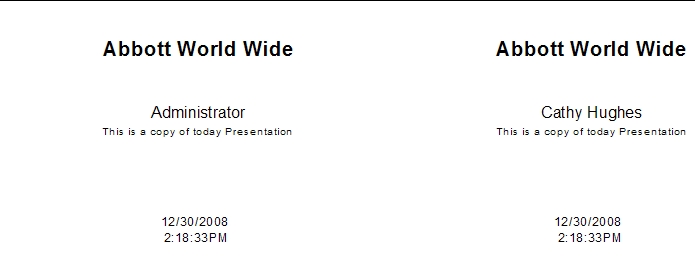


Avery 5196 – 3 1/2 Diskette
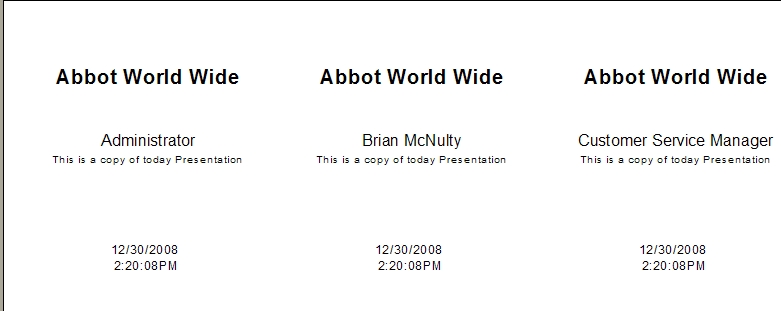


Avery reports are not that much different from the A4Avery reports as you will see. 


Avery 5160 


Avery 5161
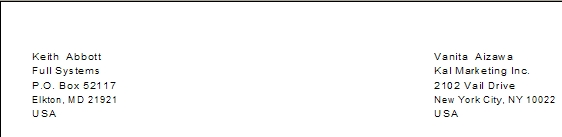


Avery 5162
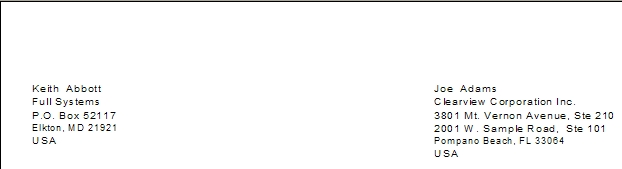


Avery 5163
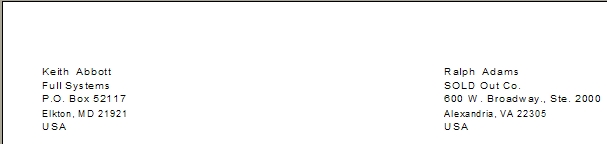


Avery 5164
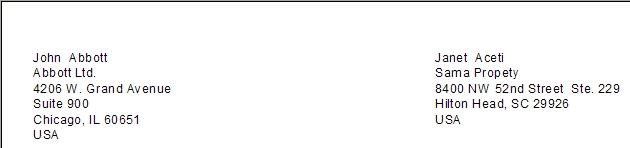


The main thing to remember is that some of these reports may have to be adjusted for use with your printer.  Report boundaries sometime go outside your printer configuration or the style of the labels you are printing onto may not match the report layout.  Best advice is to find the label that works for your business, modify it for your printer and remove the rest.


Happy New Year to all.  Remember those troops and their families. 


Please Don’t Drink and Drive or allow your friends to.  Better to have them mad at you then to have them dead or in jail.


Keep Smiling:-)

Contact Customer FX for your CRM project
We let our expertise speak for itself - let us know how our all-star team can help on your CRM project
About the Author

LEAVE A REPLY

Please enter your comment!
Please enter your name here

Infor CRM Sync for Exchange: Action Required by August 31, 2026

Using Infor CRM Sync for Exchange with Microsoft 365? Your Exchange administrator must update tenant settings by August 31, 2026 to prevent sync disruption.

[Webinar] What’s Coming Next for Infor CRM SLX and Why v10 Matters

See what’s coming next for Infor CRM SLX, including new marketing workflows, automation improvements, and reasons to consider upgrading to v10.

Disable Caching in Infor CRM SLX Web Client

In the rare case caching is causing issues in the Infor CRM SLX web client, it is possible to disable specific types of caching by making edits using Application Architect, and then deploying.

Exploring AI Options for Infor CRM v10

I've started taking a closer look at the AI capabilities built into Infor CRM v10. Over the next several posts, I'll share what I learn. From the built-in features and supported AI providers to implementation considerations, costs, and practical use cases.

Infor CRM SLX 10.0: Delegate Ownership Changes for “Everyone” Records

Learn how the new EveryoneOwnerAssignment secured action in Infor CRM SLX 10.0 allows designated users to change ownership of Everyone-owned records without requiring Administrator access.

Related Articles

Infor CRM Sync for Exchange: Action Required by August 31, 2026

Using Infor CRM Sync for Exchange with Microsoft 365? Your Exchange administrator must update tenant settings by August 31, 2026 to prevent sync disruption.

[Webinar] What’s Coming Next for Infor CRM SLX and Why v10 Matters

See what’s coming next for Infor CRM SLX, including new marketing workflows, automation improvements, and reasons to consider upgrading to v10.

Disable Caching in Infor CRM SLX Web Client

In the rare case caching is causing issues in the Infor CRM SLX web client, it is possible to disable specific types of caching by making edits using Application Architect, and then deploying.

Exploring AI Options for Infor CRM v10

I've started taking a closer look at the AI capabilities built into Infor CRM v10. Over the next several posts, I'll share what I learn. From the built-in features and supported AI providers to implementation considerations, costs, and practical use cases.

Related Videos
