Caching in Infor CRM SLX usually works well without needing much in the way of tweaks. Given that, this is a post I don’t expect to come up often. I am posting this primarily so I have something to reference should I encounter a rare issue with caching in the Infor CRM SLX web client at some point in the future. I am happy if anyone else comes upon a situation in which they need to disable caching in Infor CRM SLX and finds this useful. Mostly, disabling caching should not be necessary.
On an Infor CRM SLX system functioning normally, turning off caching will hurt performance and provide no benefit. There are cases, however, in which caching will hang or cause delays. In those cases, taking the performance hit from turning off caching can be worth it. I would still strongly suggest these solutions only be attempted when caching is strongly suspected to be causing issues, not as a part of routine performance troubleshooting.
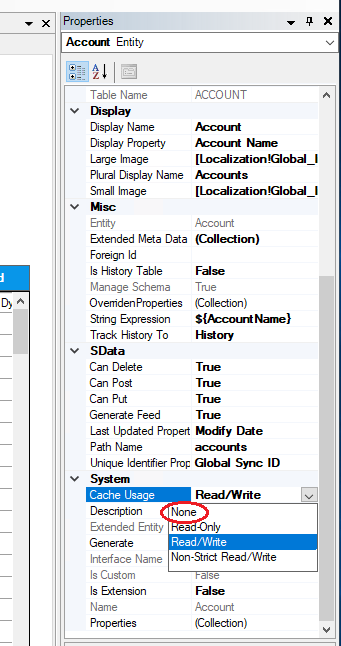
If, as a part of troubleshooting, you discover that a certain operation is consistently hanging or even erroring, but the associated SQL query executes without issue, it might be an issue with caching for that entity. You can disable the caching for a specific entity in the web client using Application Architect. Go to the Project Explorer section, and navigate to Entity Model > Packages > Saleslogix Application Entities, then locate the entity for which you wish to disable caching. Now double click on the entity you want, and it will open as a tab in the main view area. Look at the Properties pane on the right hand side (if there is no Properties pane, open it by clicking Properties in the View menu) and scroll all the way down to the System section (expand if needed). The first item in that section should be Cache Usage. Use the dropdown menu to set Cache Usage to None to turn off caching entirely for that entity. You will then need to build and deploy for that change to take effect.
Similarly, it is possible to disable the caching in the NHibernate service used by Infor CRM SLX if there is evidence that caching might be a problem. As before, disabling the cache will result in decreased performance, so only take this step if there is specific evidence that the caching might be the issue.
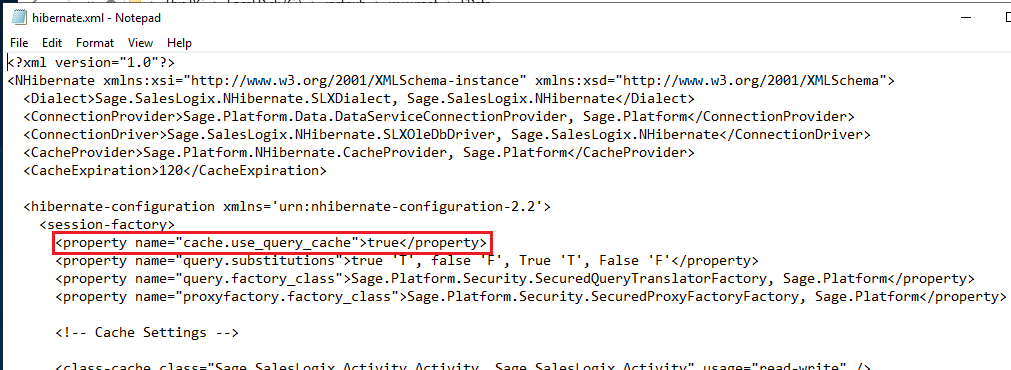
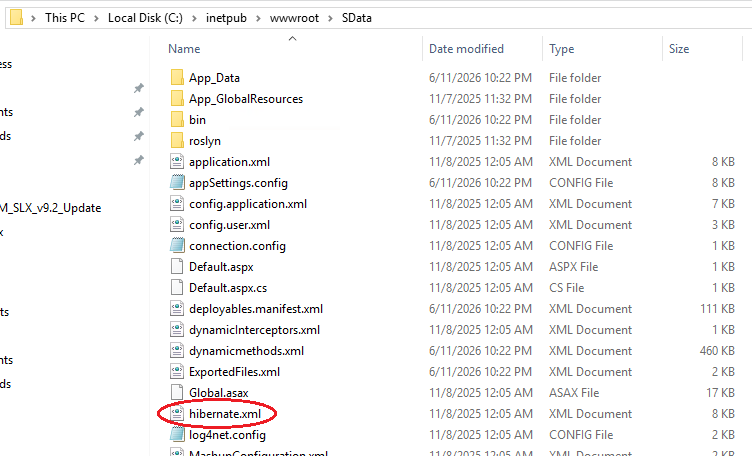
Second-level caching can be turned off for NHibernate by editing the hibernate.xml file in the SData folder (generally found at inetpub\wwwroot\sdata\hibernate.xml). Locate the cache.use_query_cache setting, and set it to false. Then add a line after that:
<property name=”cache.use_second_level_cache”>false</property>
Save the changes to the file, then recycle the SData’s app pool and restart Saleslogix Cache Service.
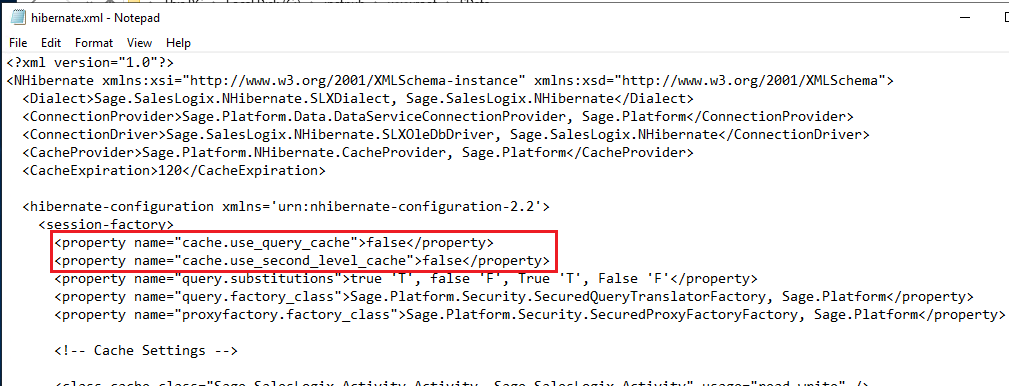
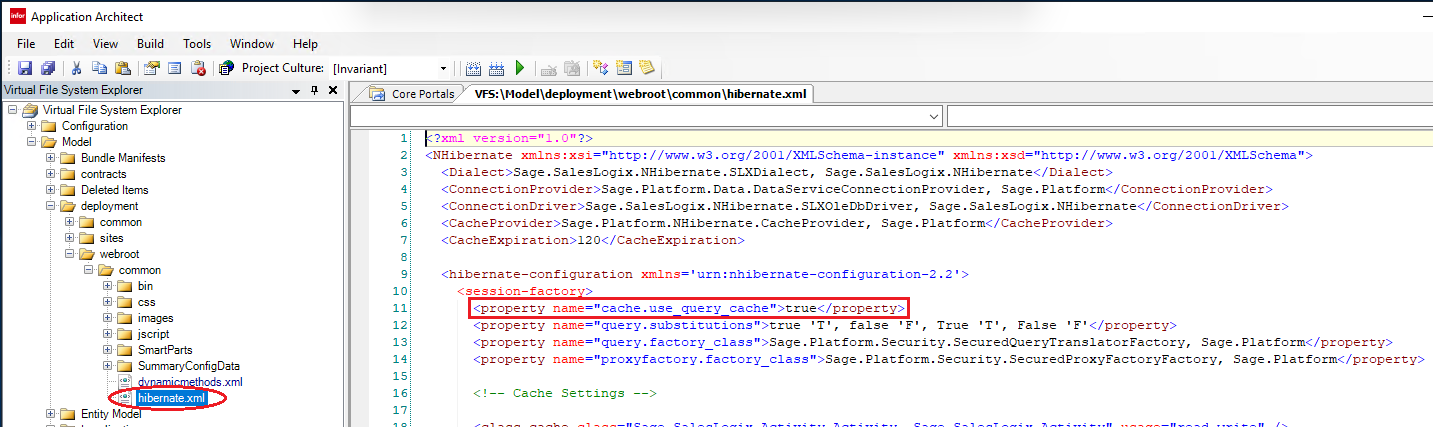
You will definitely want to revert those changes if it turns out caching was not the issue. If you do wish to keep that change, you will also need to make that same edit in the VFS using Application Architect, otherwise it will be overwritten the next time you deploy. In Application Architect, open the Virtual File System Explorer, then navigate to model > deployment > webroot > common. The hibernate.xml file should be under common. Just make the same change there and save. You don’t need any further action if you have already made the change on the live site. (Alternately, you could make the change in the VFS first, then build and deploy.)